


Tier board, S.ELO rankings and match records of SOOP streamers who play FC Online.

Twitch Volume Balancer
Boost Twitch audio up to 500% and keep your preferred volume for each streamer.
- Chrome Web StoreFree
Screenshots
About
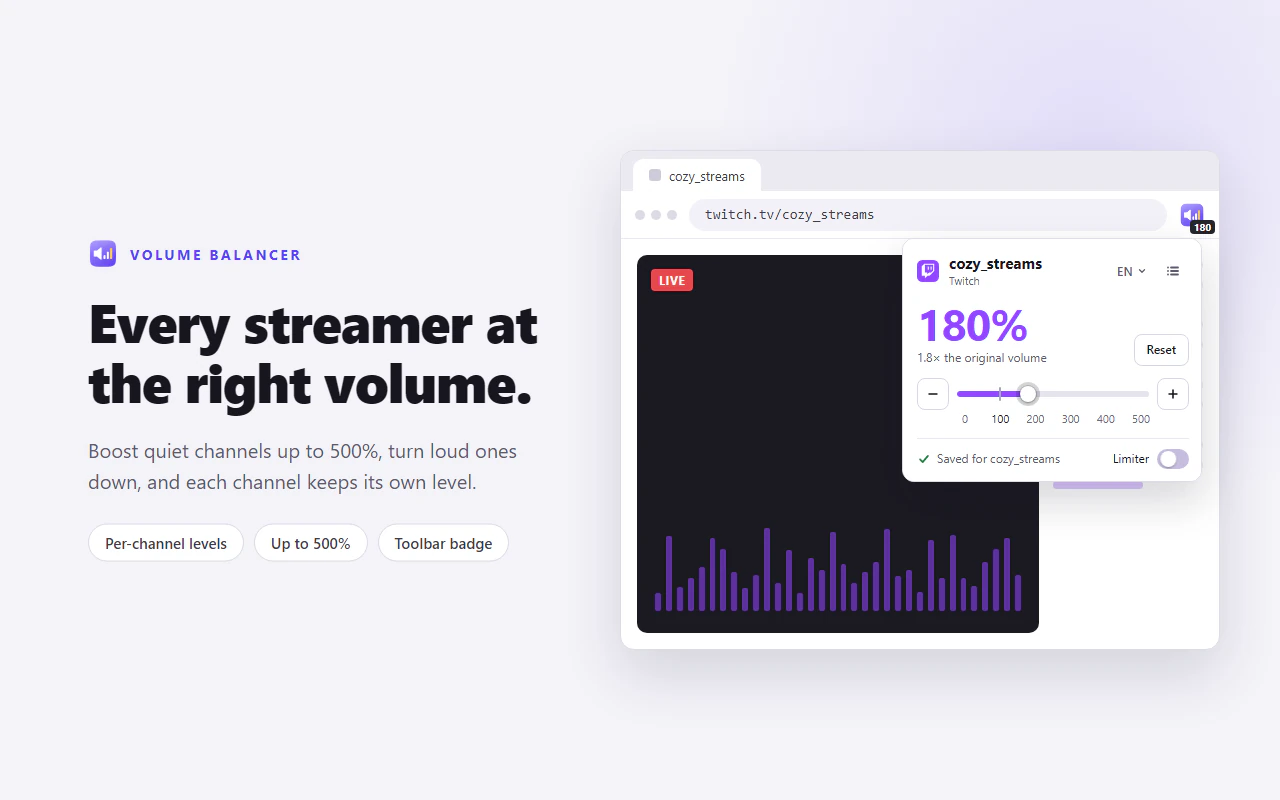
Twitch Volume Balancer is a Chrome extension that keeps a volume level for each Twitch channel, anywhere from 0% to 500%. Boost the streamer who is always too quiet, turn down the one who is always too loud, and they stay that way.
Your level is applied as soon as you open a channel, even when you switch channels without reloading, and a built-in limiter keeps big boosts clean. Levels are stored only in your browser, with no account, no analytics and no tracking.
Features
Up to 500% volume
Raise quiet streams well past the player's usual maximum, or turn loud ones down, anywhere from 0% to 500%.
Volume per streamer
Set the level you like for each streamer once, and the extension remembers it.
Applied automatically
Switch channels without refreshing the page, and your saved volume for that streamer is applied right away.
Built-in limiter
On by default, it catches loud peaks before they clip, so big boosts stay clean. Quieter sound plays at exactly the level you set.
Level on the toolbar
A badge on the extension's icon shows each Twitch tab's level at a glance.
Saved channels page
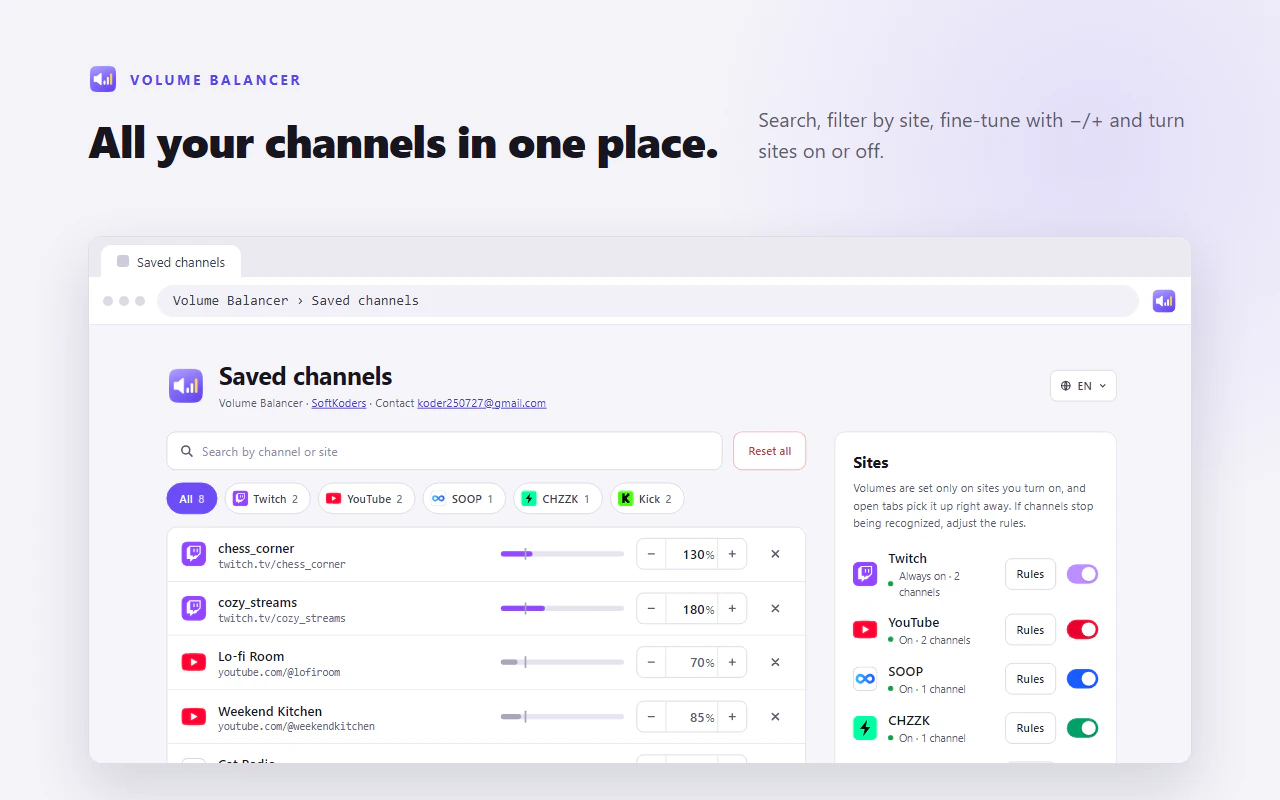
Search, edit or remove the levels you have saved, all on one page.
Light and private
A small, simple extension that collects no data.
More services
Like a free Bitcoin scratch-off: your browser tries real mining for a whole block reward.
A distraction-free writing app for Windows that keeps you in flow.


Can’t find what you need, or have a question?
Feedback, bug reports, and partnership ideas are all welcome.