

Spin the wheel, name picker, ladder game, dice, coin flip: type names once, play them all.
Deep Draft
A distraction-free writing app for Windows that keeps you in flow.
- Microsoft StoreFree, Windows 10 or later (x64)
Screenshots
About
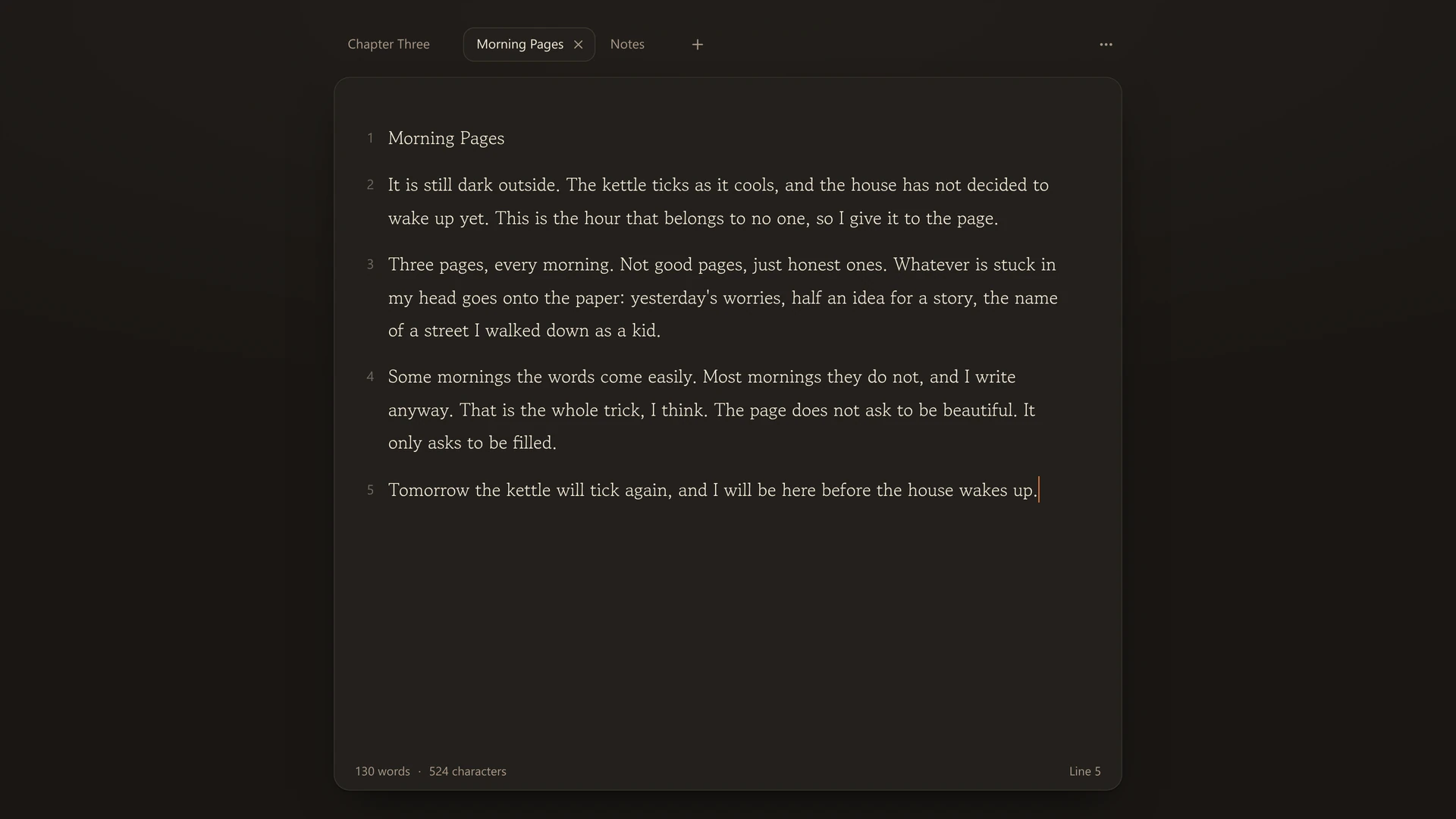
Deep Draft is a distraction-free writing app built to keep you in flow. Deep Dive mode lets you set a writing goal, such as a word count, and removes distractions until you reach it.
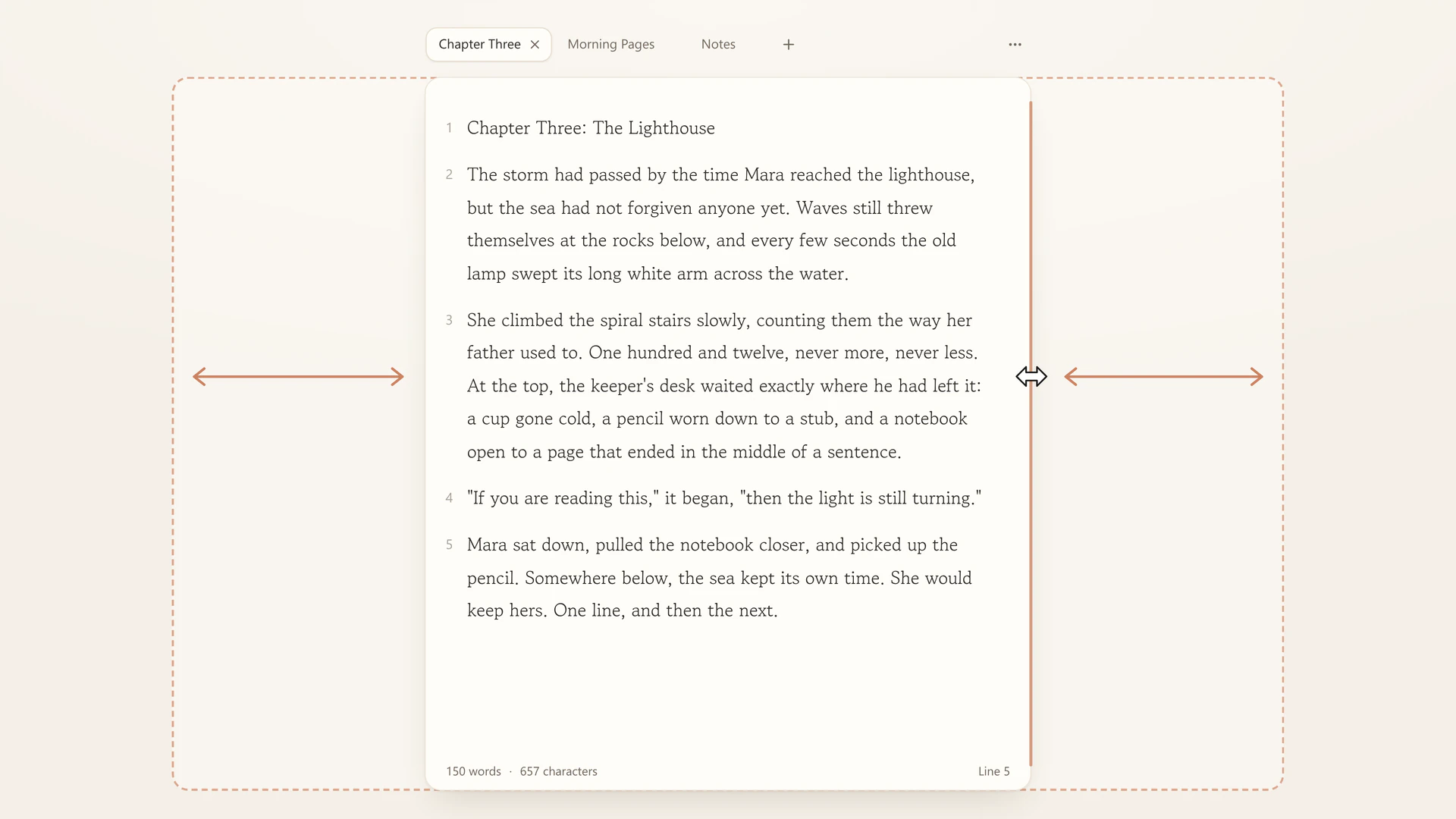
Resize the writing area freely regardless of window size, create multiple documents with tabs, and auto-save as you write in a clean, minimal, fast workspace.
Features
Deep Dive mode
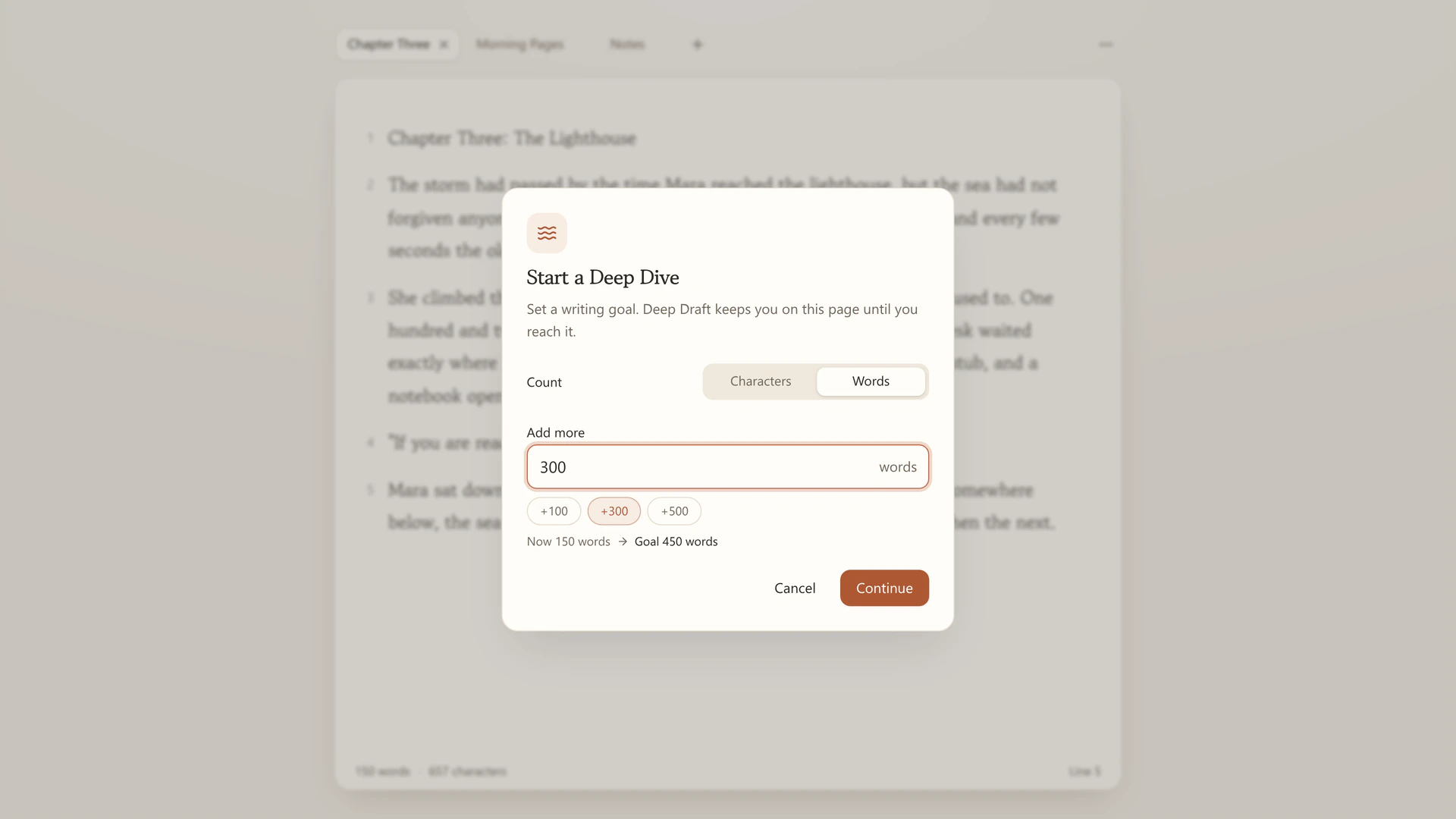
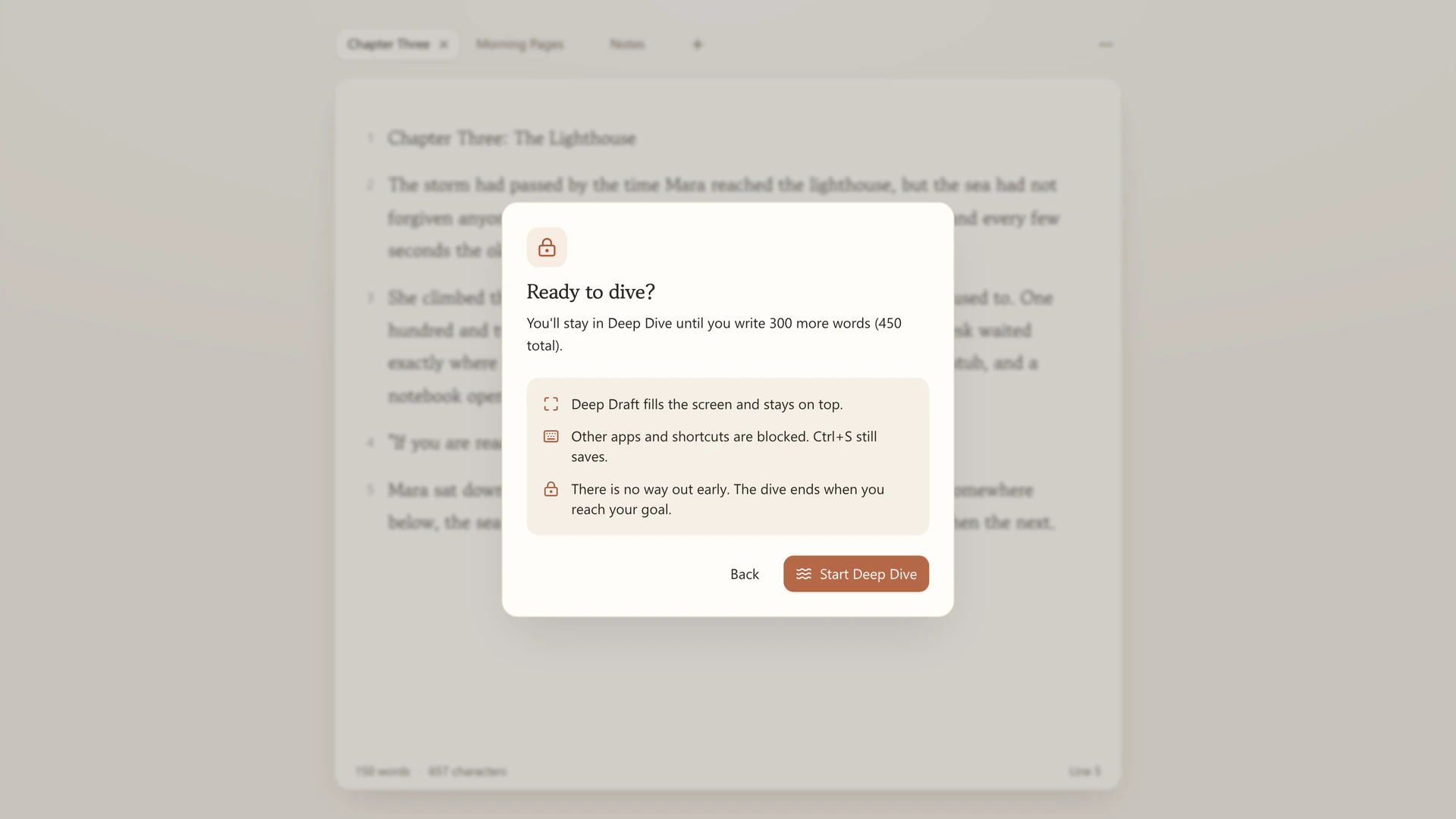
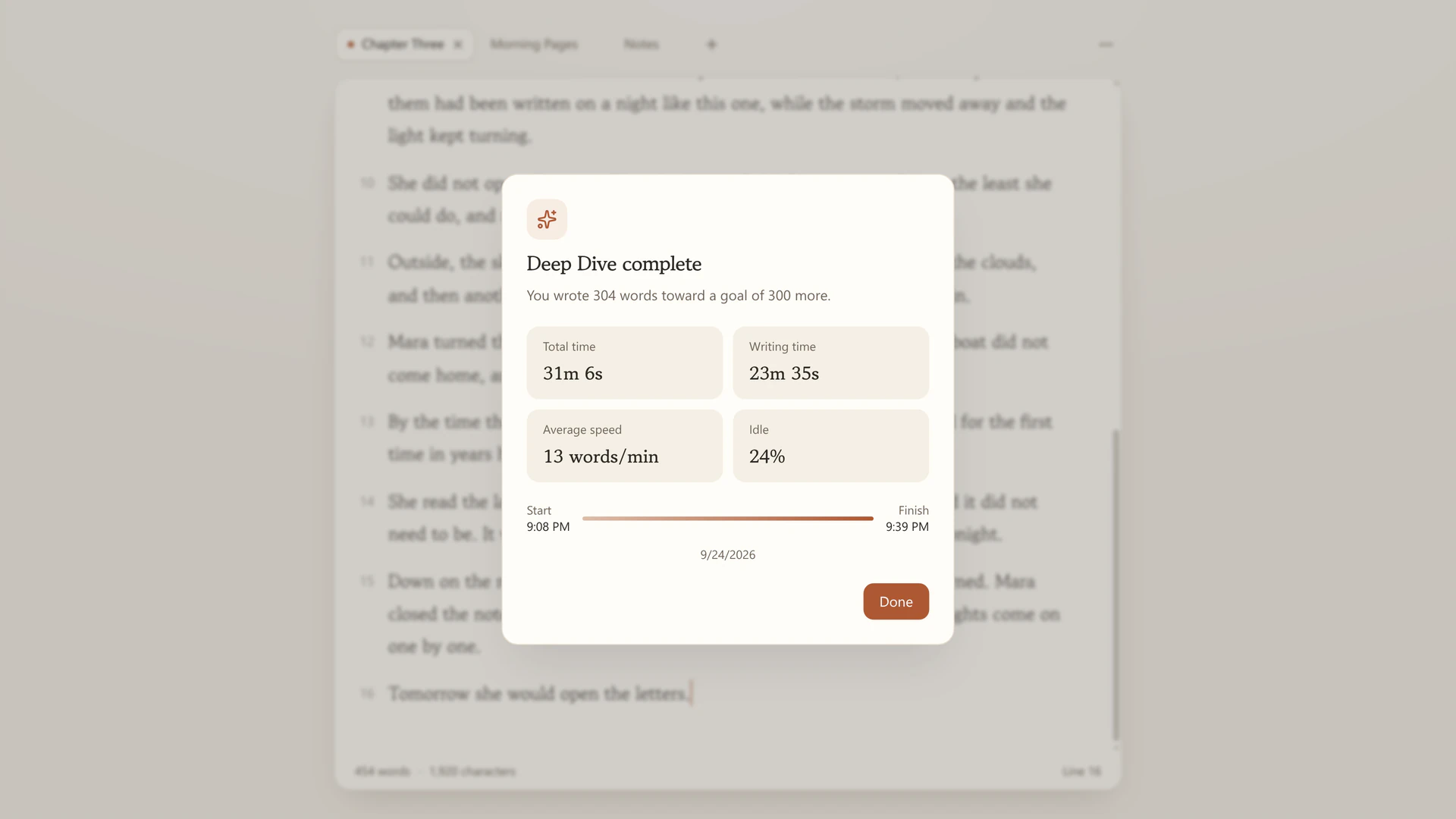
Set a writing goal, such as a word count, and Deep Draft keeps distractions away until you reach it.
Resizable writing area
Size the writing area the way you like, whatever the size of the window.
Documents in tabs
Keep several documents open in tabs and move between them without breaking your flow.
Auto-save
Your writing is saved automatically as you type, so you never have to stop to save.
Frequently asked questions
Is Deep Draft free, and which Windows does it run on?
Yes, it is free. Deep Draft is a writing app for Windows 10 or later (x64), from the Microsoft Store.
What is Deep Dive mode?
Set a writing goal, such as a word count, and Deep Draft keeps distractions away until you reach it, so you stay in flow.
Where are my documents saved?
On your PC. Deep Draft saves automatically as you type, and your documents and settings are not sent to SoftKoders automatically. Only when you use its inquiry or feedback feature are the name, email address and message you enter sent, with app and system details that help troubleshooting.
Can I work on several documents at once?
Yes. Keep several documents open in tabs and move between them without breaking your flow, and size the writing area the way you like, whatever the size of the window.
More services
Merge PDFs and photos, organize pages and compress to a target size, without uploading.
What are your odds of solo mining a Bitcoin block? Try it free in a browser, no install.
Can’t find what you need, or have a question?
Feedback, bug reports, and partnership ideas are all welcome.